
SEO & Keyword Insights (macOS)
SEO & Keyword Insights is a macOS app built for practical day-to-day SEO work. It brings URL analysis, a searchable keyword library, and combined performance views into one clear workflow, so you can spot what needs fixing, prioritise actions, and keep projects organised.
Import or connect your data, review results in dedicated windows (Projects, Analyser, URL Inspector, Keyword Library, All Analytics, All Insights), then export clean CSVs or generate fully white-label, brand-able PDF reports that are ready to share with clients or stakeholders.
| Compatibility | M1 processor or above. macOS 26 or above. |
|---|---|
| Prerequisites | None |
| Purchase | Purchase is only available through the App Store. All payments are made through your App Store account. |
£41.66 + VAT (£49.99)

KEY FEATURES
SEO & Keyword Insights is a macOS app built for practical, repeatable SEO work. It keeps projects, URL analysis, keyword planning, performance data, exports and reporting in one place, so you can move from “what’s happening?” to “what do we do next?” without jumping between tools.
Projects (keep work organised)
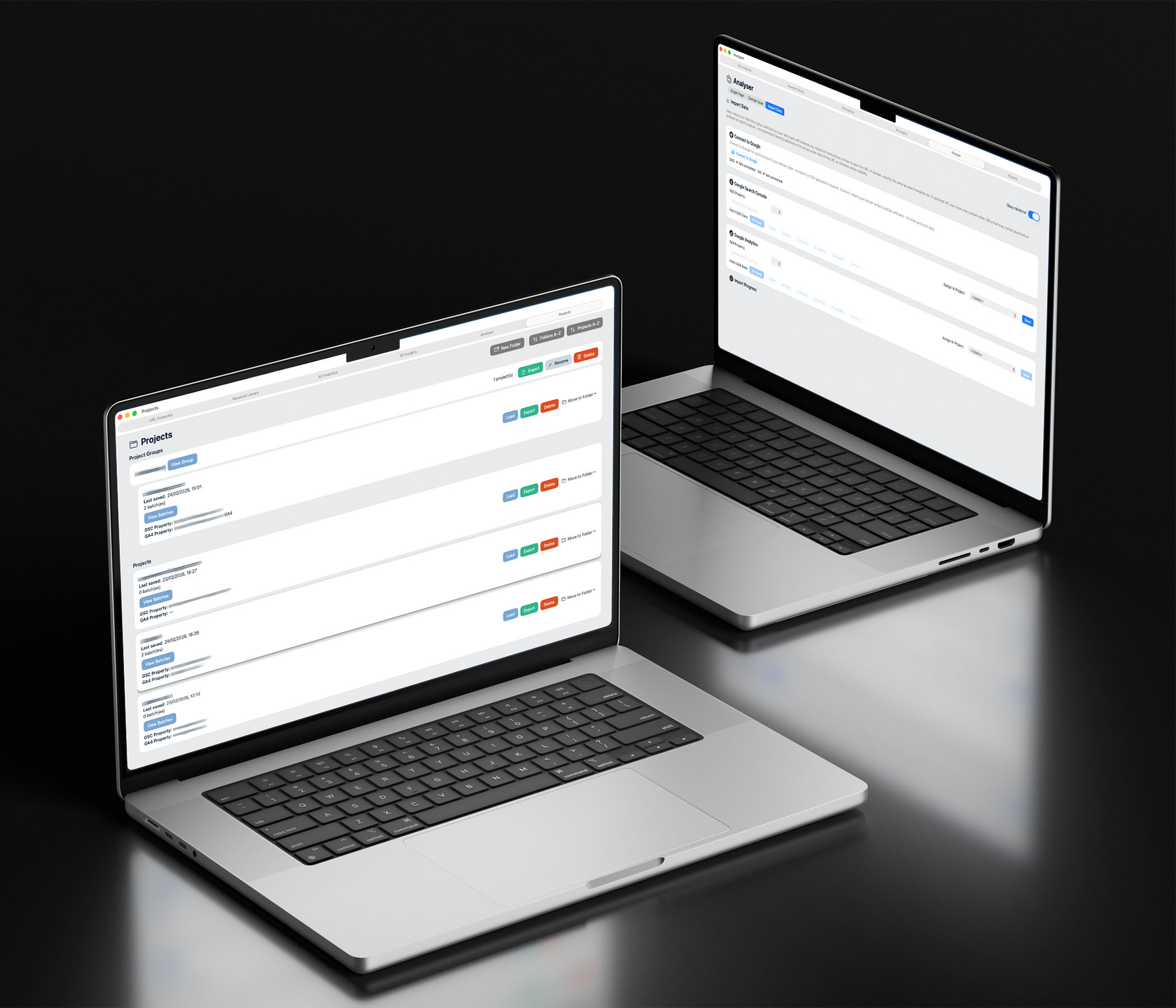
Create and manage saved projects per site. Keep imports, analysis, exports and reports together so you can pick up where you left off, switch between sites cleanly, and keep your SEO work structured over time.
Analyser (turn checks into actions)
Analyse a single URL or scan across a site to surface issues and opportunities you can act on. The Analyser is designed to help you prioritise the work that matters, rather than creating long lists of “nice to have” fixes. Export analysis results to CSV when you need to share, plan, or track progress.
URL Inspector (page-level diagnosis)
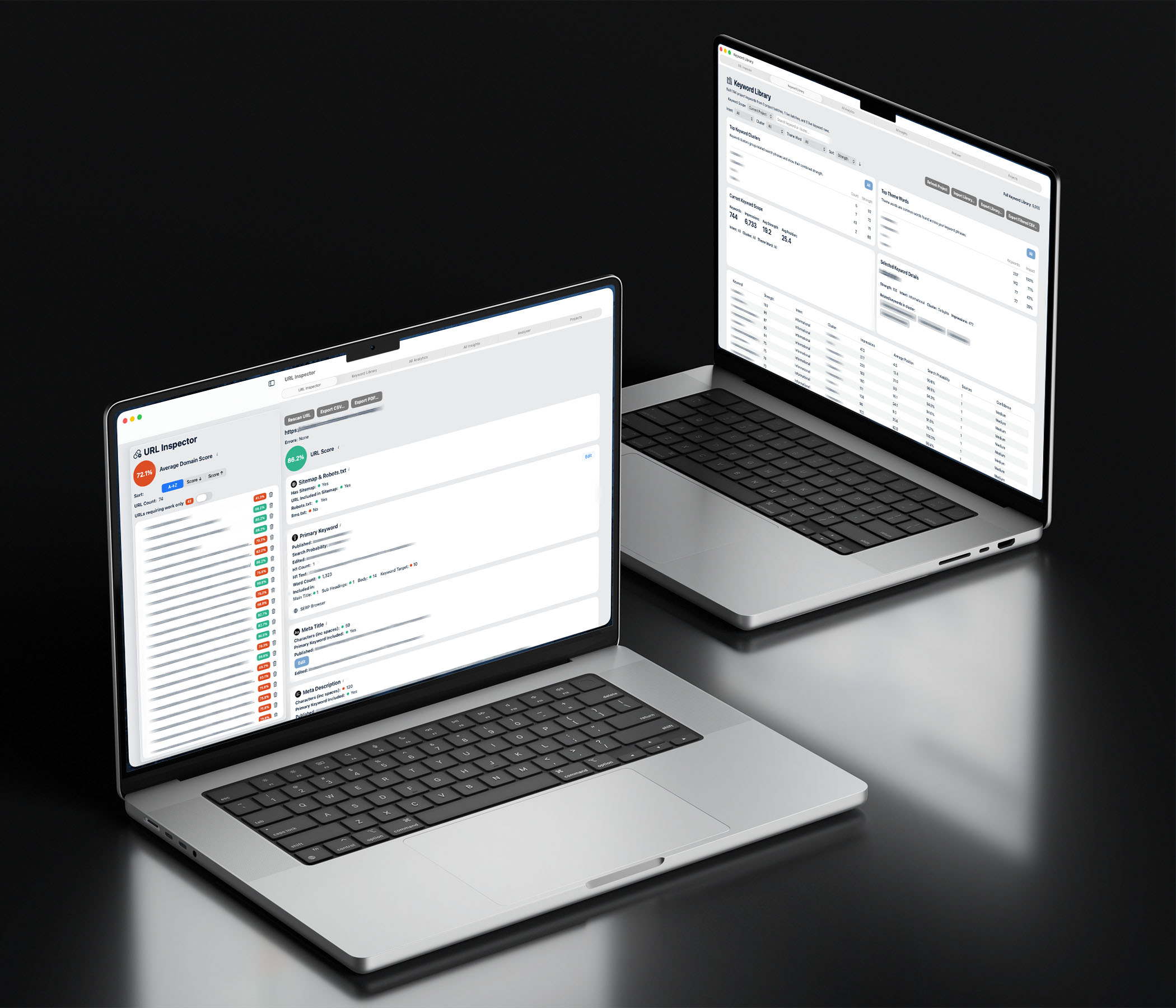
Check a URL’s key SEO page elements in one view. Use it to quickly diagnose why a page may be underperforming, review new pages before they go live, and re-check after changes to confirm improvements. Export URL inspection results to CSV for reporting or audit trails.
Keyword Library (searchable, filterable planning)
Build a keyword library from your project data and keep it searchable. Filter by what matters (theme, intent, performance) to focus on the terms most likely to drive relevant traffic, enquiries, or sales. Use it to spot gaps and overlap against target URLs, then export filtered lists to CSV for briefs and content planning.
All Analytics (page performance in one table)
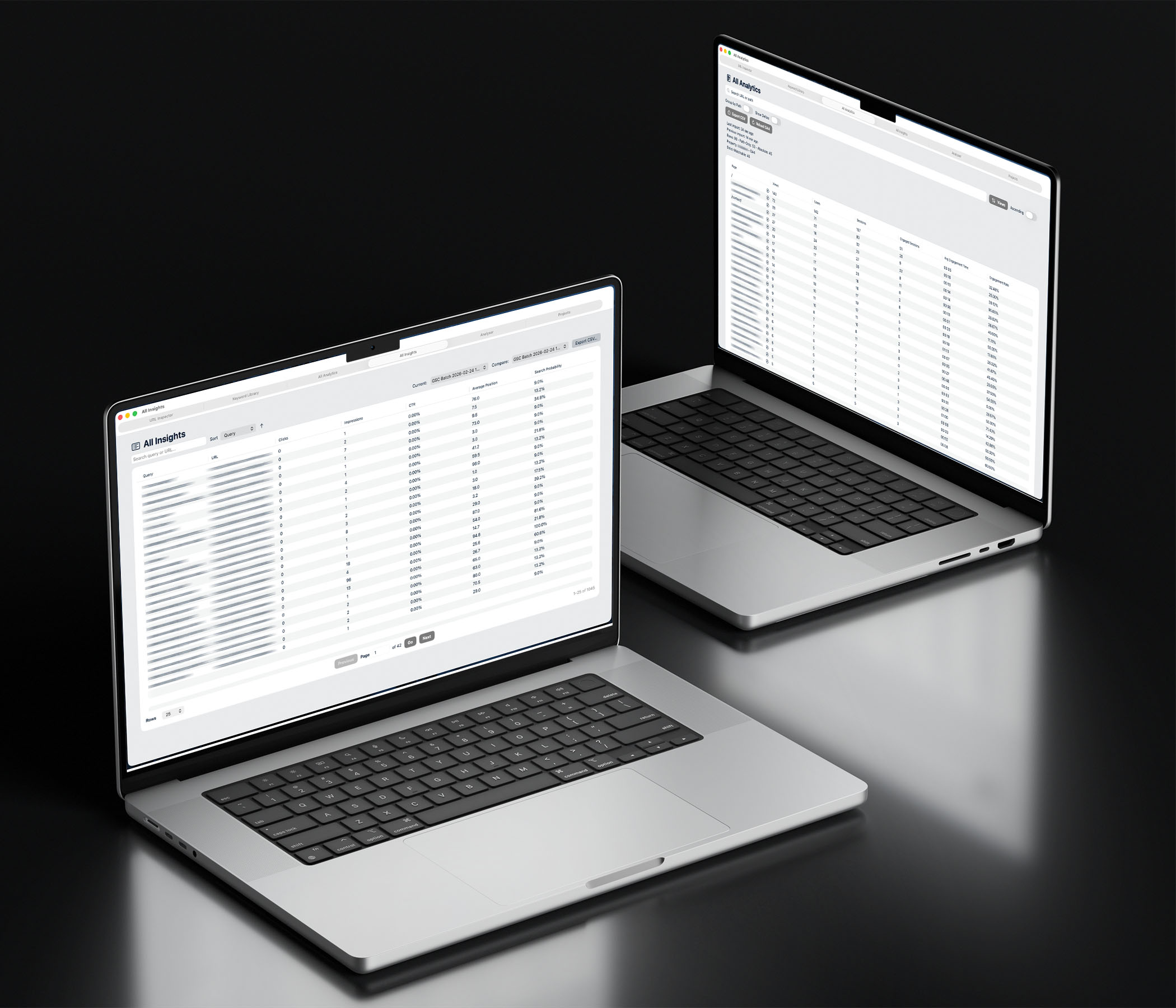
Bring your analytics into one place by importing or connecting data for your site. View key page metrics in a single table, compare pages quickly, and identify which pages deserve attention first. Export the full view to CSV for deeper work in Sheets/Excel or internal reporting packs.
All Insights (the “what needs work” view)
Pull your main SEO signals into one dashboard. See which URLs need work at a glance, apply filters to focus on priorities, and make faster decisions about what to fix, improve, or expand next. Export insights to CSV for planning and reporting.
PDF Report Export (white-labelled, client-ready)
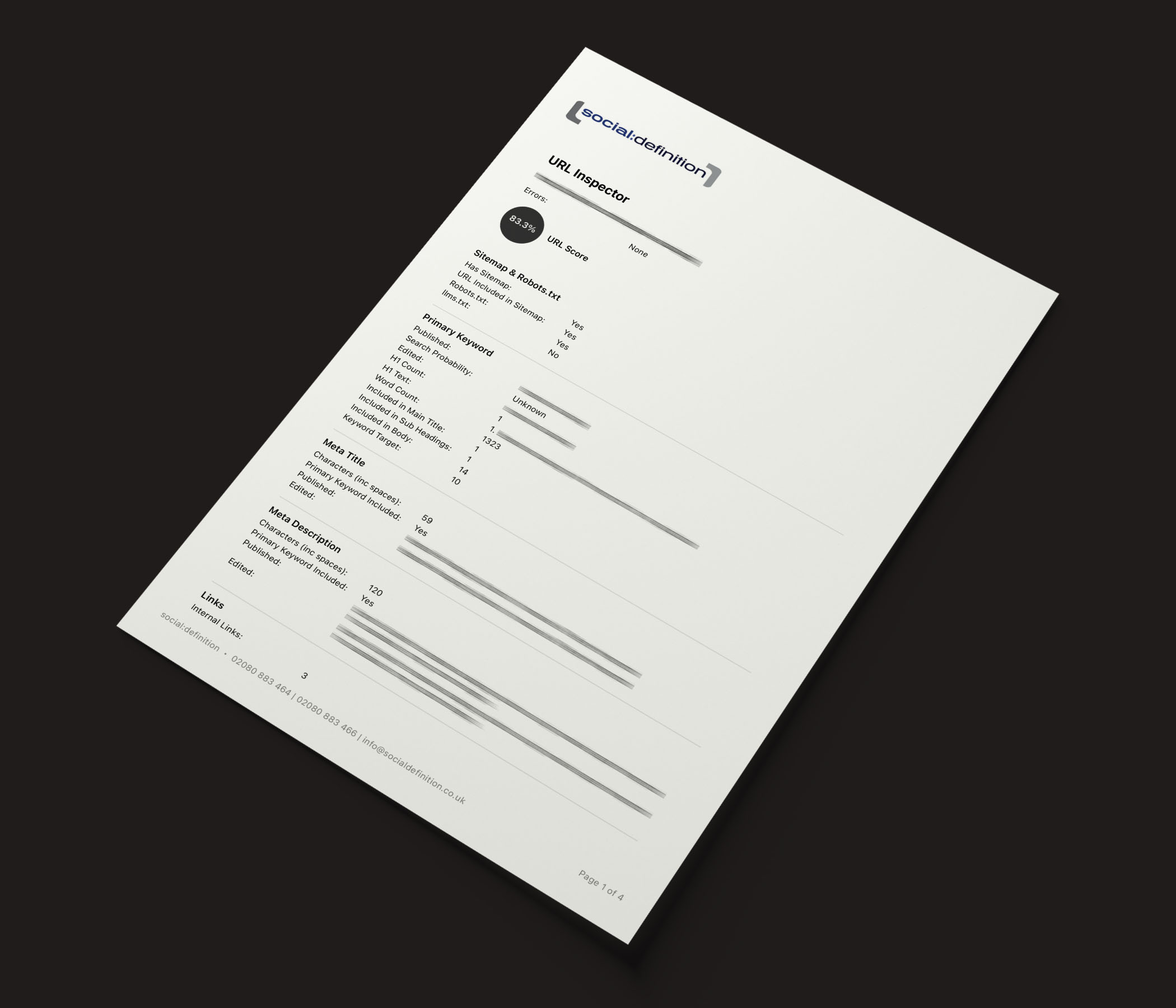
Generate fully white-labelled, brand-able PDF reports that are ready to share or present. Add your branding (logo, colours, headings) and produce clean, consistent PDFs for proposals, reviews, and progress updates — without spending time formatting documents by hand.
Everything in one SEO workflow
Faster priorities, less busy work
Clean exports for planning and teams
White-label reports, ready to share
The Benefits of Using SEO & Keyword Insights

A single workflow, not scattered tools

Faster prioritisation

Cleaner handovers
Client-ready reporting
Built for real SEO work
PURPOSE-BUILT SOFTWARE
WHO IS SEO & Keyword Insights for?
- Agencies and consultants who need a consistent way to review sites and present findings.
- In-house marketing teams who want a clearer view of what to prioritise and how to track progress.
- Business owners who want structured, practical insight without drowning in jargon.
- Anyone producing SEO deliverables who needs clean exports and reports that are ready to share.
7-Day Trail
How SEO & Keyword Insights Works
- Create a project for a site
- Import/connect your data (and/or work from CSV where appropriate)
- Use the dedicated windows to review and prioritise work
- Export CSVs for planning, tracking and handovers
- Generate a white-labelled PDF report when you need something client- or stakeholder-facing.
FAQ
Is SEO & Keyword Insights a macOS app?
Is there a free trial?
Who is the app for?
What does the URL Inspector do?
What is the Keyword Library used for?
Can I export reports and share them with clients or colleagues?
1 month subscription
£49.99
inc. VAT
from Mac App Store
6 month subscription
£149
inc. VAT
from Mac App Store
12 month subscription
£249
inc. VAT
from Mac App Store
7-Day Trail
Download from the App store for a 7-day, fully functioning trial before your subscription begins.
App requires M1 or above processor, macOS 26 or higher.